
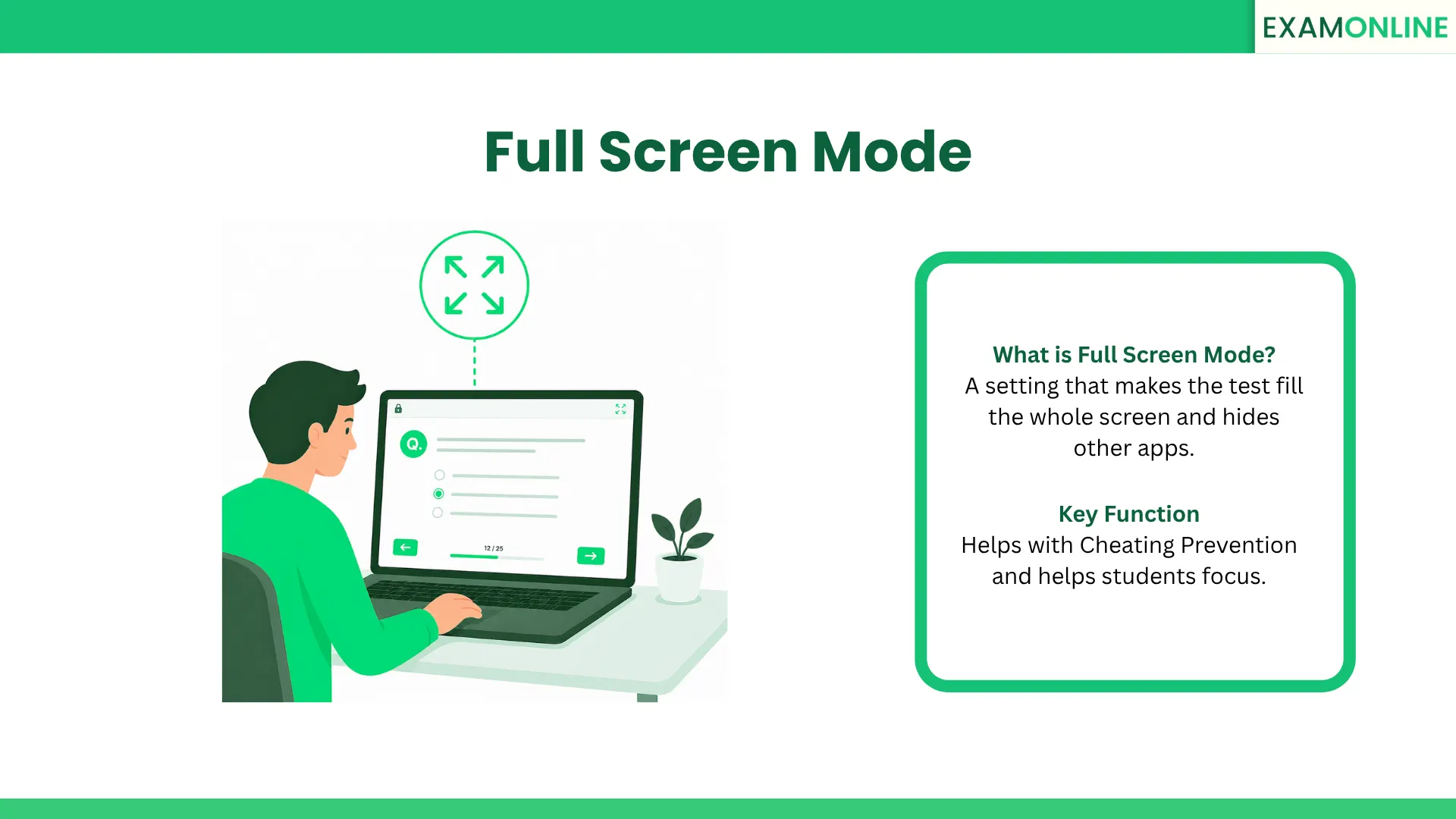
What is Full Screen Mode?
In an Online Exam, Full Screen Mode is a setting that makes the test window take up your entire monitor. When this mode is on, you cannot see your computer’s taskbar, other browser tabs, or desktop icons.
It is a key part of a Secure Browser. Its main job is to keep the student focused on the test and stop them from doing other things on the computer. By “locking” the view to just the exam, the system makes sure the student stays on track.
Why is it Important?
Using Full Screen Mode is one of the easiest ways to help with Cheating Prevention. In important tests, it is risky if a student can quickly switch to Google to find an answer or open a chat app to talk to a friend.
Key Points:
- No Distractions: It hides bookmarks and other buttons so the student only sees the test.
- Navigation Control: It works with Browser Guard technology to sense if a student tries to exit the test or minimize the window.
- Fair Results: It ensures that the final score shows what the student actually knows, without any outside help.
How Does it Work in a Test?
When you use an Online Examination System, Full Screen Mode usually follows these steps:
- Auto-Start: When the test begins, the platform automatically asks the browser to go into full-screen.
- Pop-up Alert: Most browsers will show a message asking the student to “Allow” this change so they know what is happening.
- Warning System: If a student tries to leave full-screen (like pressing the ‘Esc’ key), the system can pause the test or send an alert to the teacher.
- Full Lockdown: It often works with a Browser Lockdown tool to disable keys like “Alt+Tab” or right-clicking.
Benefits for the Student
Even though it is used for security, Full Screen Mode actually helps students do better by creating a better workspace:
- Better Focus: By hiding pop-up alerts from emails or chats, students can think more deeply.
- More Space: It gives more room on the screen for big pictures, charts, or long writing tasks like an Essay Style Question Type.
- Serious Feel: It makes the online test feel like a real, formal exam, which helps students take it seriously.
Difference Between Full Screen and Browser Lockdown
These two terms are similar, but they do different things:
| Feature | Full Screen Mode | Browser Lockdown |
| Main Goal | Keeps the eye on the test. | Completely locks the whole computer. |
| Control | Can often be exited easily. | Blocks all exits until the test is done. |
| Security | Basic/Standard. | High-Level Cheating Prevention. |
| How it’s made | Standard web settings. | Special Secure Browser software. |
Where is it Used?
Full Screen Mode is a common tool used by many groups today:
- Schools: To make sure students don’t use digital notes during final exams.
- Job Hiring: To check if a person really has the skills they say they have.
- Certifications: To give a fair test to people trying to get a professional license.
Conclusion
Full Screen Mode is a simple but powerful tool for any digital test. It turns a regular web browser into a dedicated testing space. By keeping the screen clear and locked, it helps protect the honesty of the exam and helps students stay focused.
ExamOnline is built to keep tests simple and fair. Our platform uses a strong Full Screen Mode to make sure students stay focused on their work. With ExamOnline, organizations can run safe tests that stay on the main screen and away from outside distractions.
Related Keywords: Face Detection, Integrity Check, Lockdown Browser, Metadata, Navigation.