
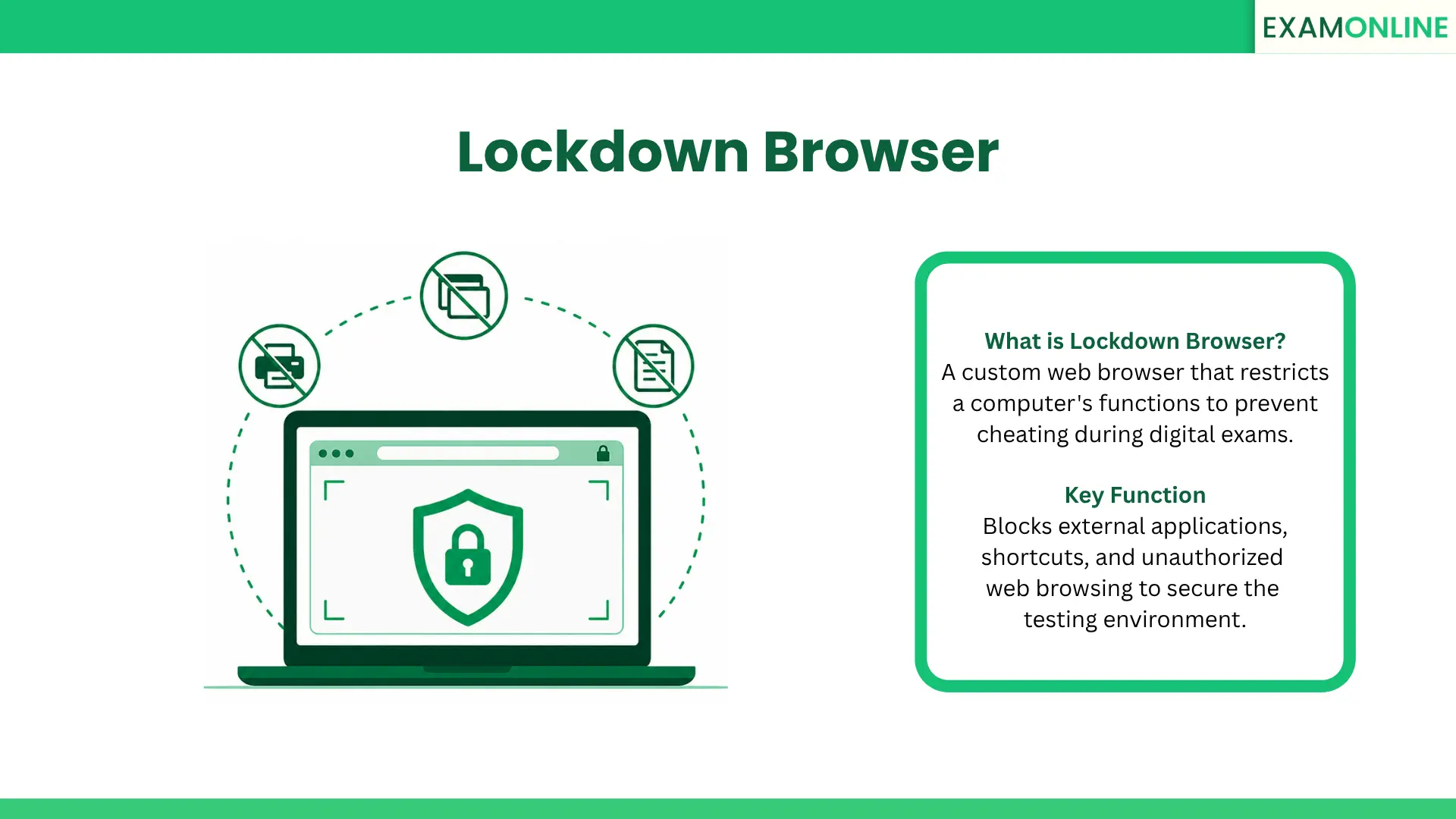
What is Lockdown Browser
A Lockdown Browser is a custom web browser that restricts a candidate’s computer environment during a digital test. It temporarily disables the operating system’s standard navigation functions to prevent cheating.
This technology ensures that test-takers cannot search the internet, open external applications, or access unauthorized files while the exam is active. It isolates the testing platform from the rest of the device.
By completely controlling the Online Exam Screen, organizations can administer high-stakes evaluations remotely. This maintains the strict security standards of a physical testing center within a digital space.
How a Lockdown Browser Works
Activating this security tool requires a specific sequence of technical operations. The process ensures complete Test Environment Control before the first question ever appears on the screen.
- Installation: The candidate downloads and installs the custom browser application onto their personal computer.
- Environment Check: Upon launch, the software scans the device for prohibited background applications, such as active Screen Sharing tools or virtual machines.
- Forced Closure: The browser forces the candidate to close all unauthorized programs before allowing them to proceed.
- Interface Restriction: The application expands to fill the entire monitor. It actively disables the taskbar, system menus, and keyboard shortcuts like copy and paste.
- Exam Launch: The candidate logs into the testing platform directly through this secured interface to begin their evaluation safely.
Core Features
To maintain high integrity, these custom browsers include highly specific functional restrictions. Core features that define this technology include:
- Application Blocking: It completely prevents access to messaging apps, word processors, and secondary web browsers.
- Navigation Control: It disables the back, forward, and refresh buttons to prevent accidental test submission or question manipulation.
- Shortcut Disabling: It blocks keyboard shortcuts like Alt+Tab. This successfully prevents illegal Tab Switching during the exam.
- Print Restriction: It disables all printing and screen capture functions. This protects proprietary test questions from leaking online.
- URL Masking: It hides the web address bar so candidates cannot type in external website URLs.
Lockdown Browser vs. Standard Browser
| Feature | Lockdown Browser | Standard Browser |
| External Applications | Completely blocked during operation. | Fully accessible at all times. |
| Keyboard Shortcuts | Disabled (e.g., copy, paste, alt-tab). | Enabled for standard navigation. |
| Screen Capture | Blocked to protect exam content. | Enabled for taking screenshots. |
| Primary Goal | Ensuring absolute test integrity. | Providing open internet exploration. |
Benefits of a Lockdown Browser
Deploying a Safe Exam Browser provides significant strategic advantages for educational institutions and corporate certification boards. Key benefits include:
- Cheating Prevention: It removes the temptation to search for answers online, guaranteeing that scores reflect actual knowledge.
- Intellectual Property Protection: By blocking screenshots, it prevents candidates from stealing and sharing expensive exam questions.
- Standardized Conditions: Every candidate faces the exact same technological constraints, ensuring a fair testing experience for everyone.
- Remote Scalability: Organizations can securely administer thousands of exams globally without renting physical test centers.
Applications in Talent and Education
Organizations deploy this restrictive technology across various high-stakes evaluation scenarios. Common applications include:
- University Assessments: Academic institutions use it to secure midterm and final exams for remote students.
- Professional Certification: Credentialing boards use it to deliver licensing exams for medical, legal, and financial professionals.
- Corporate Compliance: HR departments ensure employees complete mandatory legal and safety tests without simply looking up the answers.
- Pre-Employment Screening: Companies use it to verify the technical skills of remote job applicants securely.
Best Practices
To maximize success and minimize technical issues, administrators must follow strict operational guidelines. Preparing candidates properly is vital.
- Early Communication: Provide candidates with download links and technical requirements at least a week before the exam.
- Practice Tests: Require candidates to complete a low-stakes practice quiz using the secure browser to resolve any installation issues early.
- Clear Instructions: Provide a dedicated support channel so candidates can get immediate help if their operating system blocks the software.
- Layered Security: Pair the browser restrictions with live video monitoring for the highest possible level of test security.
Conclusion
A Lockdown Browser is a critical security tool for any organization conducting high-stakes remote evaluations. By restricting digital access and preventing unauthorized actions, this technology ensures that test results accurately reflect a candidate’s true capabilities. Utilizing these secure environments allows institutions to scale their testing programs globally without sacrificing academic or professional integrity.
The ExamOnline platform features a built-in Lockdown Browser system that creates a foundation of trust, ensuring every professional Assessment is completed by the rightful candidate under total security.
Related Terms: Navigation, Online Invigilation, Personality Test, Psychometric Analysis, Rich Feedback.