Online Exam Software & Exam Management System
Secure, scalable online assessment technology and remote proctoring solutions for Universities, Corporates, and Certification bodies.


Secure, scalable online assessment technology and remote proctoring solutions for Universities, Corporates, and Certification bodies.
Create your exam: Set up your exam and configure the proctoring settings based on your requirements.
Invite candidates : Send out invitations to your candidates to take the exam using ExamOnline.
Monitor in real-time : Our AI-based proctoring technology monitors and detects any suspicious activity during the exam in real-time.
Review the exam : After the exam is completed, review the results and monitor data to ensure exam integrity.
Set up your exam and customize the proctoring settings as per requirements.
Save time and resources with our seamless and user‑friendly platform.
Conduct exams anytime, anywhere, with our online proctoring solution.
Eliminate the need for physical exam centers and reduce logistical costs.
Technology for real-time monitoring and detection of cheating.
To prevent candidates from accessing unauthorized resources during the exam.
Settings that can be tailored to your specific exam formats.
With your existing learning management system (LMS ).
Our online assessment platform is designed to provide the highest level of exam security, with features such as:
Data encryption: All data is encrypted in transit and at rest to prevent unauthorized access.
User authentication: Candidates are required to go through a strict authentication process before starting the exam.
Secure browser: Our secure browser prevents candidates from accessing unauthorized resources during the exam.
Proctoring technology: Our advanced AI-based technology detects and prevents cheating in real-time.
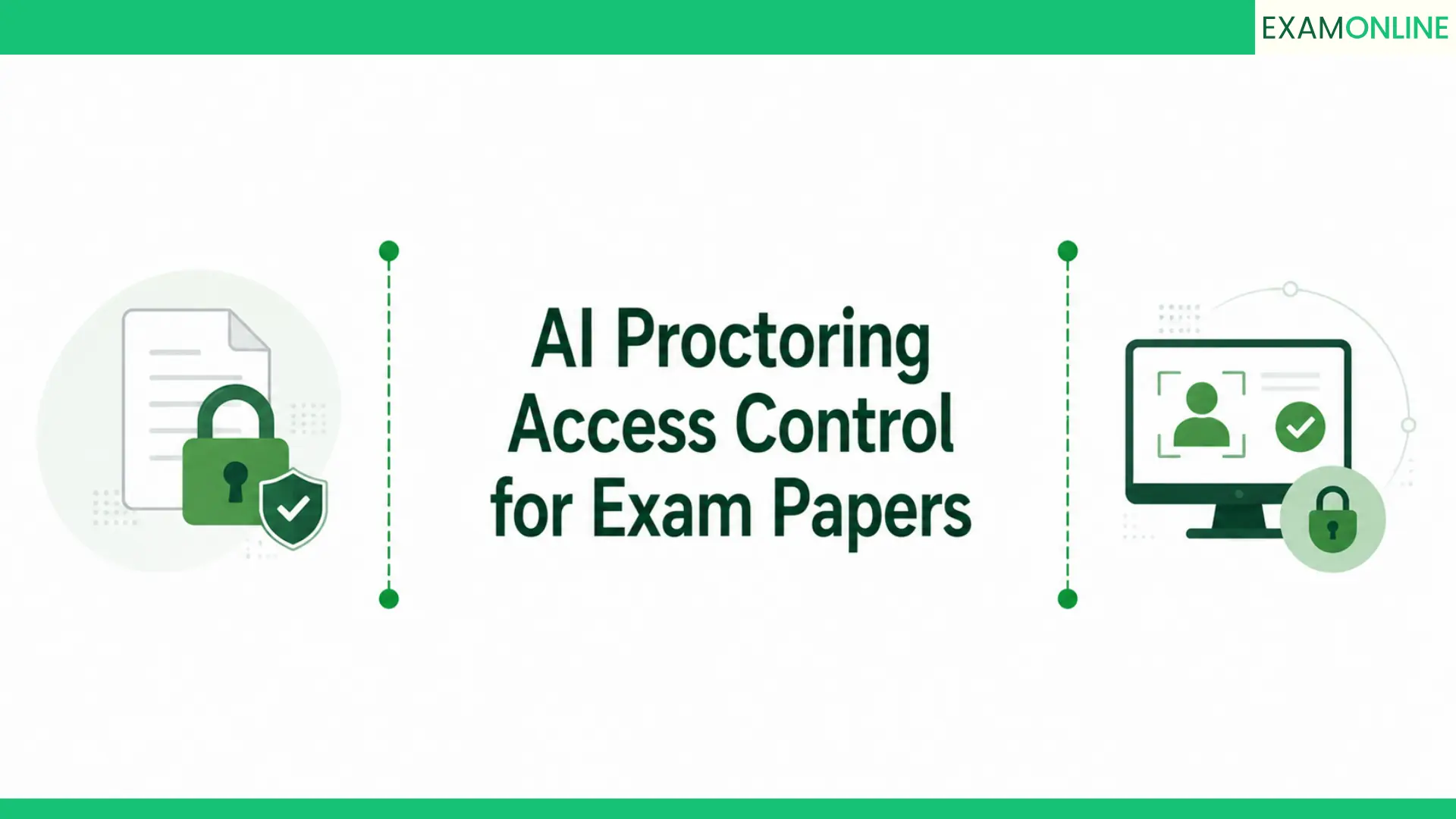
Access controls: Our platform includes strict access controls to ensure only authorized users can access exam data.
Muain Haseeb
Executive Director at Al Arab Medical laboratories, Saudi Arabia

“ExamOnline has transformed our exam administration process. The platform’s user-friendly interface, customizable settings, and detailed proctoring reports have made remote exams a smooth and reliable experience for us.” Rated – 5/5 ★★★★★
Bernadette Olivia
Exam Administrator at Ogya Tekno Nusantara , Banten, Indonesia
“We are truly grateful to ExamOnline for helping us conduct secure and efficient remote exams. Their platform has revolutionized our assessment process, and the advanced proctoring features have ensured the integrity of our exams. Examonline’s staff has been very helpful throughout the process. Highly recommended!”
Rated – 5/5 ★★★★★
Afzalur Rahman
Associate Manager – QHSE & Operations at Apeejay Shipping Limited
“We’ve had an excellent experience using the proctoring services from Diversified Business Solutions Pvt. Ltd. The ExamOnline platform is intuitive and smooth to operate, backed by a responsive support team. Detailed post-exam reports, including full video and screen recordings, have added great value to our assessment process.”
Rated – 5/5 ★★★★★
Dr. Saneesh P J
Registrar at The Indian College of Anaesthesiologists (ICA)
“The Indian College of Anaesthesiologists (ICA) proudly acknowledges ExamOnline for their exceptional execution of the ICA OLYMPIAD 2025, the first-ever nationwide online objective exam for Anesthesiology postgraduates. Their professionalism, technical expertise, and end-to-end support ensured a seamless, secure experience from planning to post-exam analytics.” Rated – 5/5 ★★★★★
Remote proctoring is a technology-enabled method of supervising candidates while they take an exam from a remote location. Remote proctoring allows organizations to monitor exam sessions online using tools such as webcam and microphone access, screen monitoring, identity verification, browser controls and activity tracking.
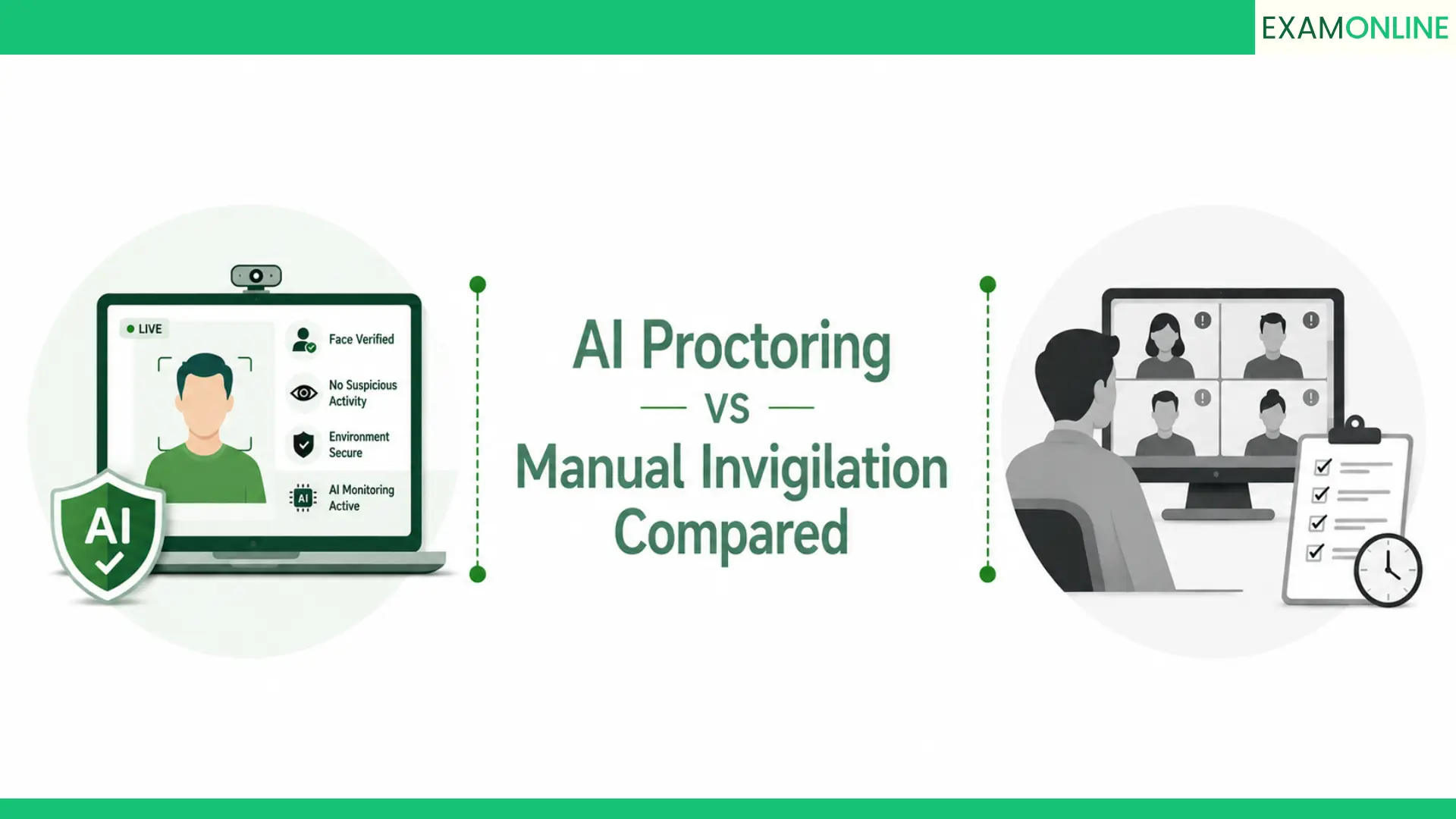
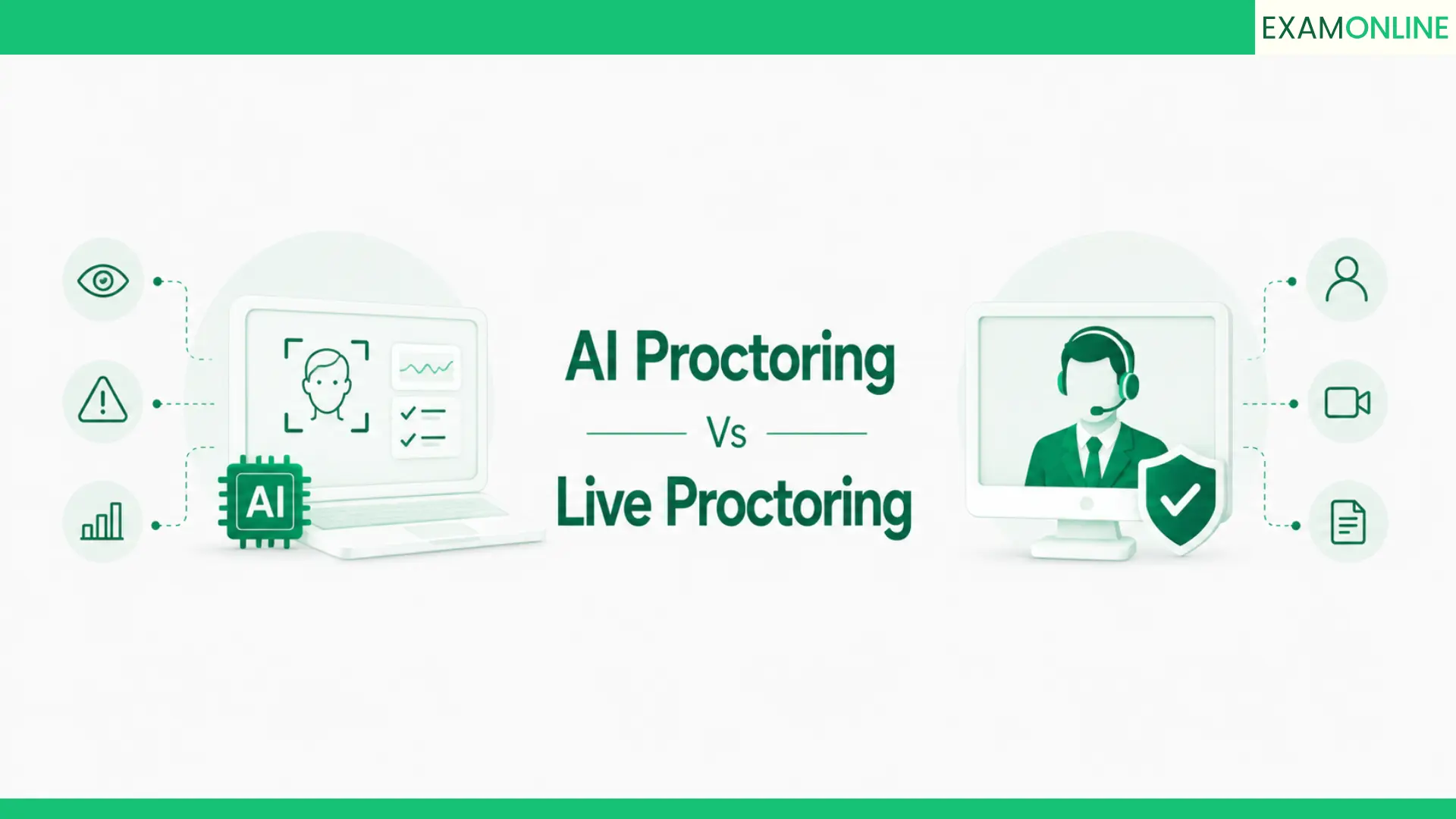
Remote proctoring software can support live human invigilation, automated AI-based monitoring or a combination of both. During the exam, the system may flag unusual behaviour such as multiple faces, frequent screen switching, restricted device use or suspicious movements for further review.
Universities, certification bodies, recruitment teams, training organizations and businesses use remote proctoring to conduct secure online assessments without requiring candidates to visit a physical test centre. It helps organizations expand exam accessibility while maintaining stronger exam security, candidate verification and audit records across remote assessments.
Online exam software is a digital platform made by ExamOnline. It is used by organizations to create, manage, deliver and evaluate exams through an online system. It brings key assessment functions such as question creation, candidate registration, exam scheduling, secure test delivery, automated scoring, result processing and reporting into one platform.
Businesses, universities, certification bodies, recruitment teams and government organizations can use online exam software to conduct assessments at scale without relying on traditional paper-based processes. Advanced platforms may also include remote proctoring, identity verification, browser security, randomized question papers, audit trails and real-time monitoring to help maintain exam integrity.
For organizations conducting large or high-stakes assessments, online examination software can make the entire exam lifecycle faster and easier to manage while providing greater visibility into candidate activity, exam performance and results.
Remote proctoring works by using digital monitoring tools to supervise candidates while they take an online exam from a remote location. Before the exam begins, the system may verify the candidate’s identity, check their webcam and microphone, confirm browser or device requirements, and guide them through a basic environment check.
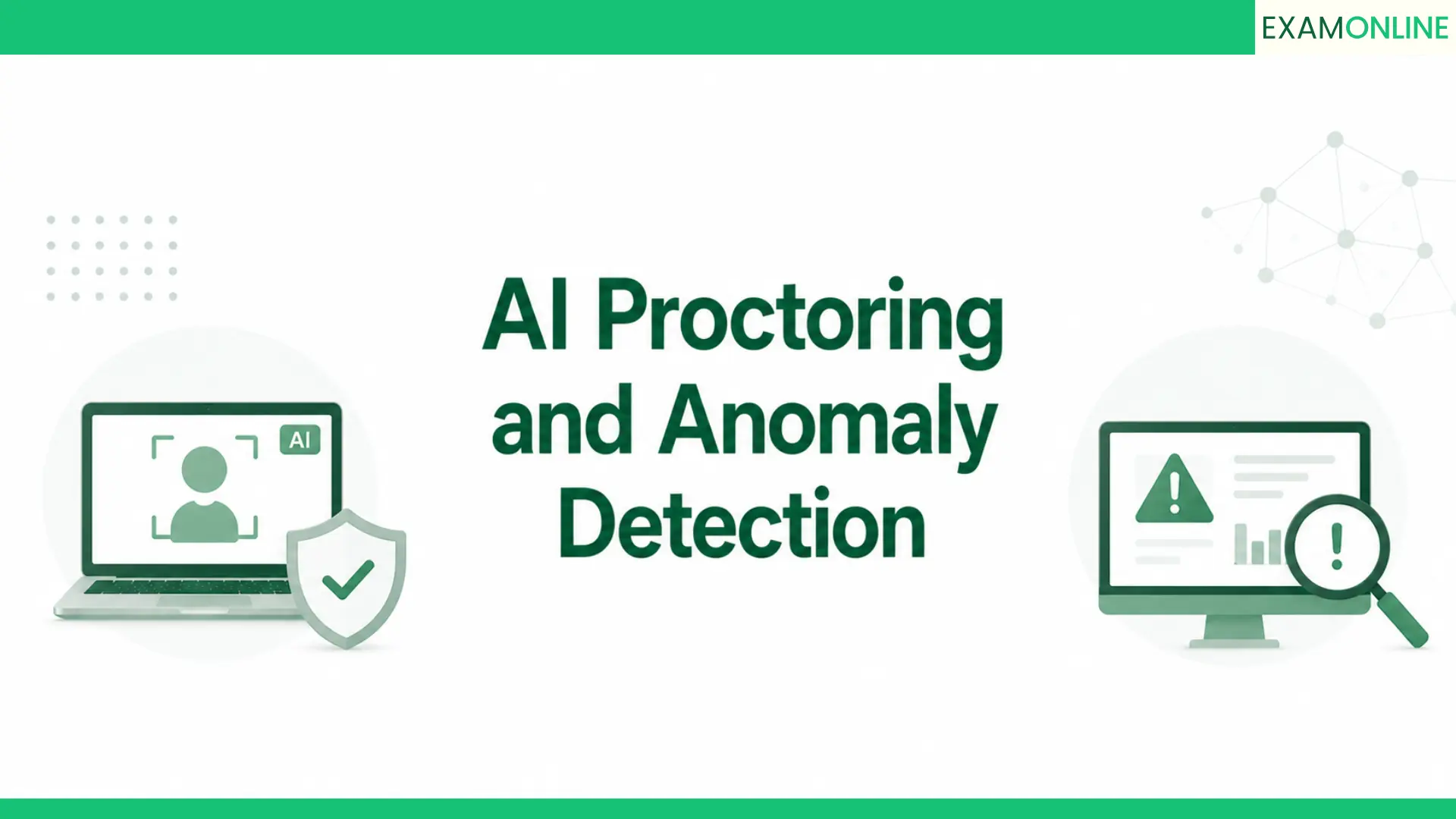
During the exam, remote proctoring software can monitor the candidate through webcam video, audio, screen activity and browser behaviour. Depending on the setup, the session may be watched by a live proctor, analyzed by AI, or reviewed using a combination of automated alerts and human verification. Suspicious activities such as additional faces, unusual movements, screen switching or attempts to access restricted applications may be flagged for review.
After the exam, the platform can generate a proctoring report containing recorded events, timestamps, flagged incidents and other session data. This helps universities, certification bodies, recruitment teams and businesses review exam integrity while conducting secure assessments remotely.
Proctored exams help organizations conduct online assessments with stronger security, greater flexibility and better oversight. By monitoring candidates during an exam, proctoring can help reduce impersonation, unauthorized assistance, screen switching and other forms of exam misconduct.
One of the biggest benefits of proctored exams is that candidates can take assessments remotely without requiring every exam to be conducted at a physical test centre. This can reduce administrative effort, venue costs and travel requirements while making it easier to conduct exams across different locations and time zones.
Proctored online exams can also provide useful records such as identity verification results, session recordings, activity logs, flagged incidents and audit trails. These records help universities, certification bodies, recruitment teams and businesses review suspicious activity more consistently and maintain greater confidence in assessment results.
Yes, you can typically take an online exam with remote proctoring on various devices, such as computers, laptops, tablets, and smartphones. However, check the specific requirements and guidelines from the exam provider or remote proctoring platform to ensure compatibility with your chosen device.
Before the exam, candidates are usually asked to complete a system compatibility check. This may verify the browser version, webcam, microphone, internet connection, screen-sharing permissions and other security requirements needed for remote proctoring.
For secure online exams, a laptop or desktop computer is generally the most reliable option because proctoring systems may need access to webcam monitoring, browser controls, screen activity and identity verification features. Candidates should always check the device requirements provided by the exam organizer before starting the assessment.
Cheating in a remote proctored online exam is significantly more difficult than in an unmonitored online test because the exam session can be supervised using multiple security measures. Remote proctoring software can flag suspicious activities such as multiple people appearing on camera, frequent screen switching, unusual movements, attempts to open restricted applications or possible use of unauthorized assistance. Depending on the exam setup, these incidents may be reviewed by a live proctor or evaluated after the exam using recorded evidence and audit logs. This includes identity verification, webcam and microphone monitoring, screen tracking, browser restrictions, activity logs and AI-based behaviour detection.
The effectiveness of a proctored exam depends on the security controls, exam design, monitoring method and review process used by the organization. A well-configured remote proctoring system makes misconduct harder to attempt and easier to detect, helping organizations maintain greater confidence in online exam integrity.