
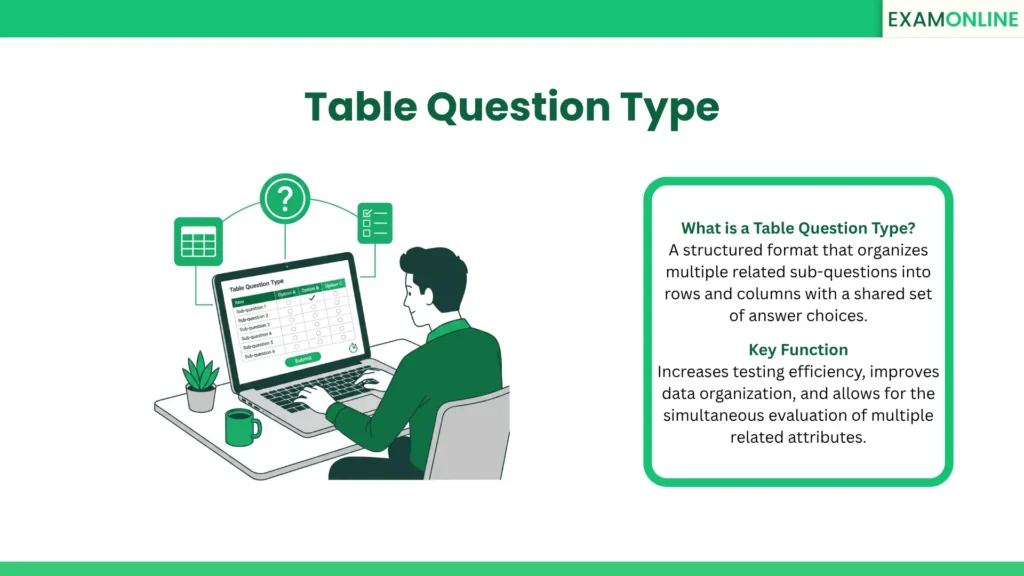
What is a Table Question Type
A Table Question Type, often referred to in recruitment and academia as a matrix question, is an advanced assessment format that organizes multiple related items into a grid of rows and columns.
Instead of presenting five separate multiple-choice questions that share the same answer scale, a table question clusters them into a single, cohesive unit. Each row typically represents a sub-question or a specific statement, while the columns provide a consistent set of response options—such as a Likert scale or a list of categories.
This format is specifically designed for high-density information gathering. It allows test creators to evaluate a candidate across several related attributes simultaneously, providing a clear, structured view of their Domain Skills and overall proficiency.
Key Variants of Table Question Type
Table questions are highly versatile and can be configured in several ways depending on the type of data the evaluator needs to collect:
- Matrix Radio Question: This is the most common version, where a candidate can select only one answer per row. It is ideal for rating systems or definitive categorizations.
- Matrix Checkbox Question: This allows for multiple selections per row. It is used when a single item might belong to several different categories at once.
- Table Dropdown Question: To save space on the Online Exam Screen, each cell contains a dropdown menu. This is particularly useful when the column headers are too long to fit in a standard grid.
- Table Values Question: In this open-ended variant, candidates must type specific text or numbers into the cells, similar to a simplified spreadsheet.
- Ranking Grid: Candidates use the table to rank a list of items against one another, ensuring that no two rows share the same column selection.
Benefits and Strategic Advantages
Integrating structured grids into a Digital Evaluation strategy provides massive logistical and analytical advantages:
- Efficient Data Collection: It significantly reduces the physical “length” of an exam. By grouping ten related statements into one table, the candidate feels they are answering one large question rather than ten repetitive ones.
- Improved Contextual Clarity: Tables help candidates see the relationship between different items. It allows them to compare their own responses across rows, leading to more accurate and thoughtful self-correction.
- Streamlined Reporting: For administrators, data from a table is much easier to analyze. It allows for the immediate visualization of trends across a specific competency or Domain Skills set without having to aggregate data from multiple separate questions.
- Faster Response Times: Once a candidate understands the column scale, they can process the subsequent rows much faster than if they had to read a new set of instructions for every single item.
Application in Recruitment and Exams
In professional and academic settings, this format is the backbone of any comprehensive Competency-Based Assessment:
- Situational Judgment Tests: Candidates are presented with a workplace scenario and a table of possible actions. They must use the grid to rate the effectiveness of each action (e.g., from “Highly Effective” to “Counterproductive”).
- Self-Assessment Surveys: During the hiring process, candidates may be asked to rate their own proficiency in various technical tools using a shared scale of “Beginner” to “Expert.”
- Psychometric Evaluation: Tables are the primary tool for measuring personality traits and behavioral tendencies, asking candidates to indicate how strongly they agree or disagree with a series of psychological statements.
Best Practices for Quality and Candidate Experience
While powerful, poorly designed tables can overwhelm a test-taker. To maintain a positive Candidate Experience, evaluators should follow these rules:
- Limit the Grid Size: Avoid “grid fatigue” by keeping tables to a maximum of 5 to 7 rows. Overly large tables increase cognitive load and can lead to “straightlining,” where a candidate just clicks the same column for every row to finish faster.
- Ensure Mobile Compatibility: Large tables can be difficult to read on smartphones. Advanced Online Examination Systems will automatically convert tables into a “stacked” or “card” view for mobile users to prevent horizontal scrolling.
- Maintain Scale Consistency: Never mix different types of answer scales in the same table. Every row in the grid must logically relate to the headers in the columns.
Conclusion
The table question type is a fundamental tool for any organization that values structured, efficient, and deeply analytical data collection. By grouping related inquiries into an organized grid, it simplifies the testing experience for candidates while providing evaluators with rich, comparable data.
To ensure institutions can deliver clear and highly professional assessments, the ExamOnline platform fully supports the table question type within its Online Examination System, offering the flexible formatting and mobile-responsive design required to measure talent with absolute precision and clarity.
Related Terms: Spreadsheet Question Type, Standard Question Types, Short Answer Question Type, Personality Questionnaire, Objective Question.