
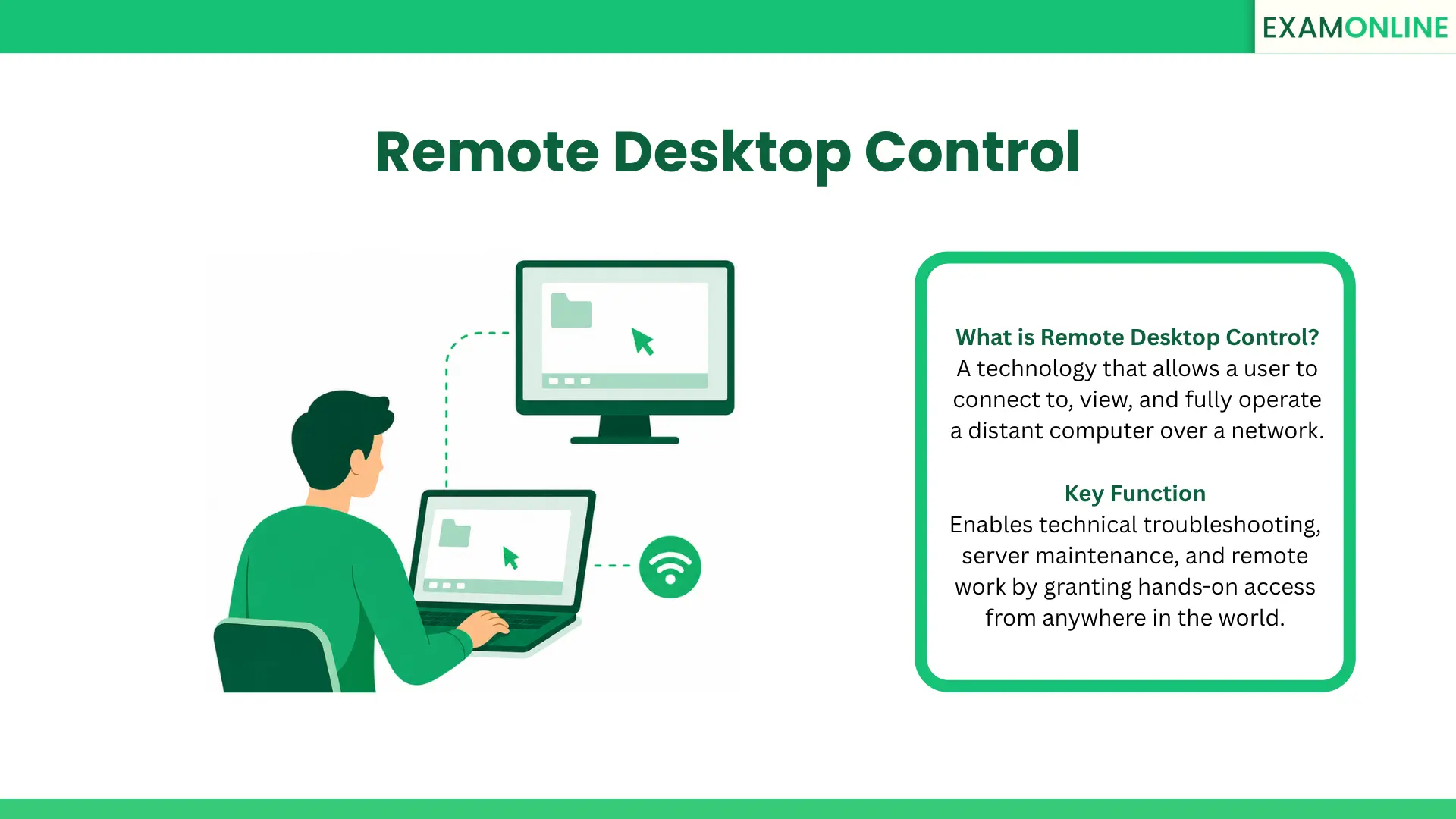
What is Remote Desktop Control
Remote Desktop Control is a technology that allows a person to connect to and fully operate a computer that is located somewhere else.
When a Remote Desktop Control session is established, the user sees the distant computer’s desktop on their own screen. They can use their own keyboard and mouse to open files, run applications, and change system settings as if they were sitting directly in front of that machine.
This capability bridges the physical gap between technical experts and end-users. It transforms how IT administration and technical troubleshooting are handled across the globe. By removing the need for physical travel to fix a computer issue, organizations relying on Remote Desktop Control can drastically improve efficiency and resolve technical problems in minutes rather than days.
How the Technology Works
The foundation of Remote Desktop Control relies on a secure network connection between two devices: the “host” (the computer being accessed) and the “client” (the computer doing the accessing).
Once the connection is authorized, the technology captures the keyboard strokes and mouse movements from the client machine. It instantly sends them over the network to the host machine.
Simultaneously, the visual output of the host machine is transmitted back to the client. This goes far beyond basic Screen Sharing, where a user can only look at a display. True Remote Desktop Control grants active, hands-on control over the operating system.
Primary Applications
Because it allows for immediate, hands-on intervention from anywhere, Remote Desktop Control is utilized in several critical areas:
- IT Troubleshooting: Technical support teams use Remote Desktop Control to instantly take over an employee’s computer, diagnose hidden software glitches, and fix them without leaving their own desks.
- Telecommuting: Employees can use this technology from their home laptops to securely log into their powerful office workstations, accessing internal company networks safely.
- Server Administration: Network engineers use Remote Desktop Control to maintain and update centralized servers located in distant, secure data centers without needing to be physically present in the server room.
- High-Stakes Observation: In highly secure digital environments, administrators may use variations of this technology alongside Continuous Monitoring to ensure strict Test Environment Control, actively preventing unauthorized applications from running during sensitive tasks.
Strategic and Financial Benefits
Implementing Remote Desktop Control software delivers incredible value to an organization. The focus should be heavily placed on the massive ROI it generates.
By utilizing remote access, companies experience drastically reduced machine downtime. When an employee’s computer crashes, an IT professional can fix it instantly. This keeps the entire workforce productive.
Furthermore, it allows businesses to hire top-tier technical talent from anywhere in the world. A single, highly skilled IT administrator in one country can effortlessly manage devices across multiple international branches using Remote Desktop Control.
Security and Compliance Guidelines
Granting someone full access to a distant computer via Remote Desktop Control carries significant security risks. To ensure safety, organizations must follow strict administrative rules:
- Strict Access Authorization: The technology must require complex passwords and multi-factor authentication before a connection is ever allowed.
- Prioritize Data Privacy: All data transmitted between the two computers must be heavily encrypted to ensure that sensitive files cannot be intercepted by outside threats.
- Maintain Accurate Records: Administrators must utilize detailed Session Logs. These records track exactly who initiated the Remote Desktop Control session, how long they stayed, and what actions they performed.
- Require Explicit Consent: Unless managing an unattended server, the system should always require the host user to actively click an “accept” button before control is handed over.
Conclusion
Remote Desktop Control is a highly effective technology that drives modern digital operations.
By allowing technical experts to instantly access, navigate, and repair distant systems, Remote Desktop Control eliminates geographical barriers. This approach dramatically improves technical efficiency and maximizes overall organizational ROI.
When governed by strict security protocols and access logs, this technology empowers businesses to maintain incredibly fast, reliable, and secure IT operations on a global scale.
Related Terms: Recruitment Assessment, Skills Assessment, Talent Development, Virtual Classrooms, Talent Analytics.