
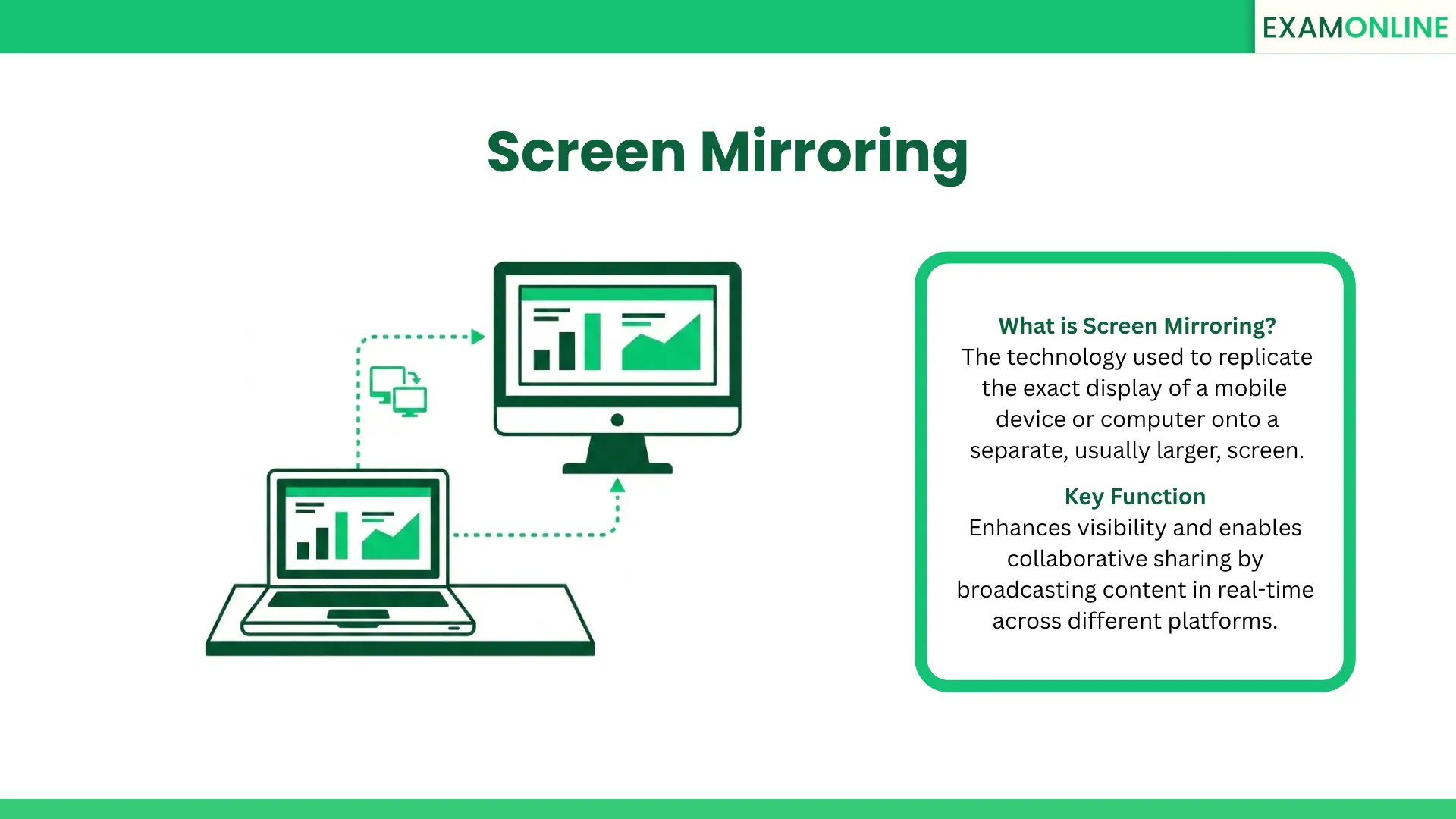
What is Screen mirroring?
Screen mirroring creates an exact, real-time clone of the user’s interface. Everything the user sees and does on their smartphone, tablet, or laptop is instantly projected onto the target display.
This capability plays a crucial role in modern digital interactions. It bridges the gap between small personal devices and large collaborative spaces, enabling the seamless sharing of visual content across entirely different hardware platforms. By utilizing this technology, users can transform a solitary viewing experience into a highly interactive, shared event.
Screen mirroring vs. Screencasting
Understanding the distinction between digital display technologies is vital for selecting the right tool for your specific environment:
| Feature | Screen mirroring | Screencasting |
| Function | Replicates the entire screen exactly as it appears. | Sends specific media (like a video) to another screen while the host device can do other tasks. |
| Real-time action | Shows all live interactions, mouse clicks, and open menus. | Only shows the specific media playing, hiding the user’s interface. |
| Best use case | Software demonstrations, live training, and presentations. | Watching a movie, playing a long video, or streaming audio. |
Key Aspects and Technical Requirements
To function smoothly without lagging, successful display duplication relies on specific hardware and software configurations:
- Wireless Protocols: Most modern setups utilize built-in operating system capabilities or wireless standards like Miracast and AirPlay to cast the display over a local Wi-Fi network.
- Hardware Connections: For zero-latency environments, physical connections using HDMI cables or dedicated display adapters remain a highly reliable method for screen mirroring.
- Network Stability: A robust and secure local network is absolutely essential. Weak connections cause severe visual lag and interrupt the real-time flow of information.
- Cross-Device Compatibility: The chosen method must ensure that the sending and receiving devices can communicate perfectly, regardless of their differing operating systems.
Corporate and Business Applications
Beyond personal use, screen mirroring is a foundational tool in the modern corporate environment. It drives productivity and collaboration in several critical ways:
- Boardroom Presentations: Executives use it to instantly display slide decks from their mobile devices onto large conference room monitors without fumbling with cables.
- Interactive Training: Corporate trainers rely on screen mirroring to walk employees through new software platforms live, ensuring everyone sees the exact navigation steps and cursor movements.
- Collaborative Workspaces: Teams use this technology to share design mockups or financial models on a single large display, facilitating immediate group feedback.
Application in Online Exams
This technology has become highly valuable in the educational and testing sectors. During an Online Assessment, this display method serves several strategic purposes:
- Enhanced Visibility: It allows complex exam content, diagrams, and instructions to be cast from smaller laptops onto large monitors, drastically improving readability for the student.
- Proctoring Oversight: In specific testing centers, screen mirroring allows human invigilators to actively watch a candidate’s screen on a centralized master monitor.
- Collaborative Evaluations: For group-based testing or interactive learning modules, it supports real-time sharing, allowing multiple candidates to view and annotate the exact same document simultaneously.
Benefits and Challenges
Implementing screen mirroring provides clear accessibility advantages, but it also introduces unique operational hurdles:
- The Benefits: It drastically enhances accessibility, turning a solitary viewing experience into a collaborative one. It eliminates the need to crowd around a tiny laptop screen to view important documents or intricate graphics.
- The Challenges: Wireless setups frequently suffer from latency issues or dropped frames. Additionally, personal notifications popping up on the cloned screen can create severe distractions during a serious presentation or exam.
Security and Integrity
When broadcasting sensitive information, particularly during high-stakes testing, strict safeguards must be implemented to maintain Data Privacy:
- Encrypted Connections: The data transmitted during active screen mirroring between the two devices must be heavily encrypted to ensure outside parties cannot intercept the visual feed.
- Environment Lockdowns: To maintain strict Test Environment Control, administrators often disable screen mirroring on a candidate’s laptop to prevent them from secretly casting exam questions to an accomplice in another room.
- Integrity Safeguards: Modern testing platforms use advanced Exam Security settings to detect unauthorized display duplication, instantly freezing the test if an external monitor is suddenly connected.
Conclusion
Screen mirroring is a powerful technological function that transforms how we view and share digital content. By seamlessly replicating personal displays onto larger formats, active display replication fosters collaboration, improves accessibility, and aids in professional monitoring. However, to be used effectively in secure environments, it must be carefully managed to prevent technical latency and protect sensitive data from unauthorized broadcasting.
Related Terms: Screen Sharing, Screengrab, Secondary Camera, Secure Browser, Session Logs.