
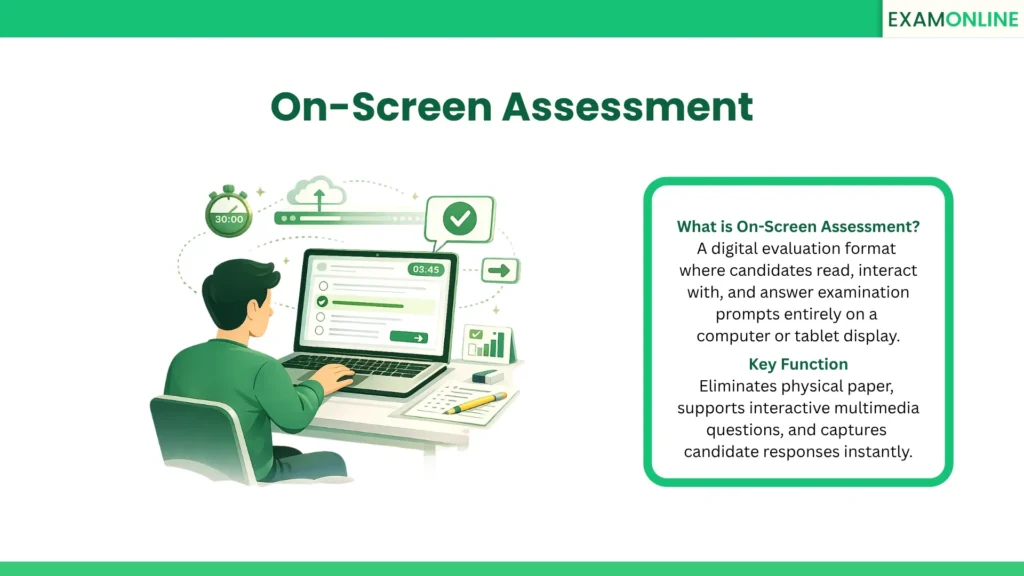
What is On-Screen Assessment
An On-Screen Assessment is a modern evaluation format where the entire testing experience takes place on a digital display, such as a computer monitor or a tablet. Instead of navigating physical test booklets and filling out paper answer sheets, candidates interact with digital interfaces to demonstrate their knowledge.
This format fundamentally shifts the focus from managing physical testing logistics to capturing high-fidelity candidate responses. By presenting information digitally, educators and corporate trainers can introduce interactive elements that paper exams simply cannot support.
The primary goal of this format is to evaluate candidate proficiency in an environment that closely mirrors the modern, technology-driven workplace.
Core Characteristics
Transitioning from paper to a screen fundamentally changes how a test is constructed and consumed. The defining characteristics of this digital format include:
- Multimedia Integration: Prompts can include high-definition videos, audio clips, and interactive charts rather than just static text.
- Dynamic Interaction: Candidates can drag and drop items, manipulate virtual objects, or use a digital scratchpad.
- Adaptive Interfaces: The text size, contrast, and layout can be adjusted instantly to accommodate candidates with visual impairments.
- Instantaneous Capture: Every keystroke and click is recorded the moment it happens, completely eliminating the risk of lost or damaged paper answer sheets.
On-Screen vs. Traditional Paper Assessment
| Feature | On-Screen Assessment | Paper Assessment |
| Media Types | Supports video, audio, and interactive elements. | Limited to static text and printed images. |
| Response Formats | Highly varied (typing, clicking, dragging). | Limited to handwriting or bubbling circles. |
| Data Security | High. Responses are encrypted and backed up instantly. | Vulnerable. Physical papers can be lost, stolen, or damaged. |
| Environmental Impact | Minimal. Completely paperless execution. | High. Requires massive printing and physical shipping operations. |
Expanding Evaluation Capabilities
Utilizing a digital display allows test creators to measure complex skills that are impossible to evaluate on paper. Beyond standard multiple-choice clicks, administrators can utilize advanced interactive formats.
For example, testing software can require a candidate to design a complex architectural diagram in an external program and submit it directly through a File Attach Question Type. This ensures that the evaluation measures practical, real-world application rather than just theoretical memorization.
Common Security Challenges & Solutions
While digital screens offer incredible flexibility, evaluating candidates through a digital interface introduces specific security vulnerabilities. Common challenges and their technical solutions include:
- Digital Distractions: Candidates testing on a computer can easily open search engines to look up answers.
- The Solution: Ensure the testing interface is completely Locked Down, blocking access to other applications and keyboard shortcuts until the exam is submitted.
- Candidate Impersonation: Verifying that the person sitting behind the screen is actually the registered candidate.
- The Solution: Implement automated Image Proctoring that continuously scans the test-taker’s face via their webcam to detect unauthorized individuals.
- Software Accessibility: Forcing candidates to download heavy, complex software can cause technical delays and panic on test day.
- The Solution: Deliver the exam as a streamlined Web-Based Assessment that runs smoothly on standard internet browsers.
- Content Theft: Candidates might try to copy proprietary test questions to share online.
- The Solution: Configure the platform to block the clipboard, disable the system’s native Screengrab function, and place digital watermarks across the test content.
Conclusion
The on-screen assessment provides a dynamic, engaging, and highly secure alternative to traditional paper testing. By leveraging interactive multimedia and diverse question formats, organizations can evaluate practical skills with unprecedented accuracy. Moving the evaluation process entirely to a digital display not only streamlines logistics but also creates a more accessible and relevant testing experience for the modern candidate.
The ExamOnline platform provides comprehensive on-screen assessment capabilities designed for high-stakes evaluation. Our robust digital environment supports diverse question types, interactive media, and enterprise-grade security protocols to deliver a flawless testing experience.
Related Terms: AI Surveillance, Authoring Tool, Browser Lockdown, Browser Support, Cheating Detection.